
Key Takeaways:
- Set dark mode on iPhone and iPad easily.
- Enable dark mode on Android devices.
- Learn the differences in enabling dark mode across platforms.
Instagram has finally introduced a dark mode feature for both iOS and Android devices. Unlike previous hacks, this update directly utilizes the native dark mode settings of your operating system. In this guide, we’ll walk you through the steps to enable dark mode on Instagram for both iPhone and Android, ensuring a seamless experience.
Step 1: Check Instagram’s Dark Mode Availability
Start by confirming that your Instagram app supports dark mode, which is available for both iPhone and Android devices according to recent updates. Ensure your device is updated to the latest operating system.
Step 2: Enable Dark Mode on iPhone/iPad
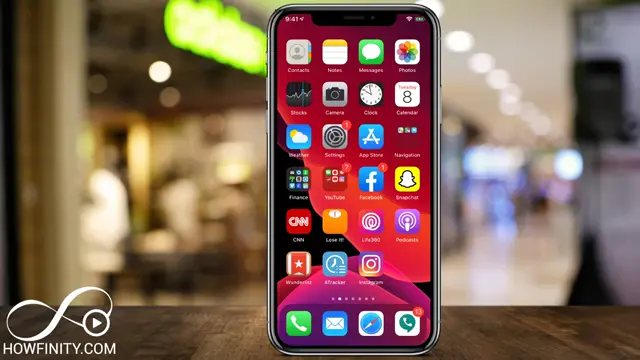
To enable Instagram dark mode on your iPhone or iPad, first navigate to your device’s ‘Settings’. Then, select ‘Display & Brightness’, and switch on ‘Dark Mode’. Once activated, your Instagram will automatically adjust to dark mode settings.
Step 3: Enable Dark Mode on Android
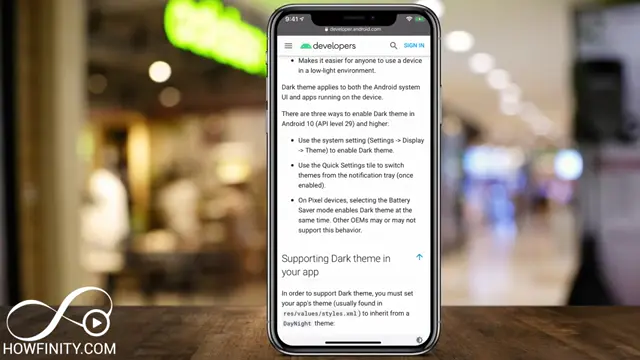
If you’re using an Android device, ensure your phone is set to Android 10 or higher. Go to ‘Settings’, tap ‘Display’, and select ‘Dark Mode’ or ‘Theme’ to enable it. This action will switch Instagram to the dark mode as well.
Frequently Asked Questions
How do I enable dark mode on Instagram for iPhone?
You need to toggle the dark mode in your iPhone’s display settings; Instagram will automatically switch to dark mode.
Is dark mode available on all Android devices?
Dark mode for Instagram is available on Android devices running Android 10 and above.
What happens if I don’t see the dark mode option?
Ensure your device’s operating system is updated, and check Instagram’s latest version from your app store.
Can I change back to light mode?
Yes, you can easily switch back to light mode using the same settings on your device.
Watch the Video Tutorial
Conclusion
Enabling dark mode on Instagram enhances your viewing experience while using the app. With just a few simple steps, you can enjoy the visual comfort that dark mode offers on both iOS and Android devices.









Leave a comment