
Key Takeaways:
- Learn how to improve battery life on your Samsung device.
- Discover how to personalize your home screen with unique wallpapers.
- Find out how to quickly call your favorite contacts from the home screen.
Samsung devices come packed with various features that can enhance your user experience. However, many of these settings go unnoticed. In this guide, we will explore essential Samsung settings you need to change right now to maximize your phone’s performance and battery life. Plus, discover some unique tricks to personalize your home screen!
Step 1: Introduction to Samsung Tricks
Learn how to utilize Samsung’s hidden features. These tricks can help you quickly access your favorite contacts and personalize your device efficiently.

Step 2: Access Edge Panels Settings
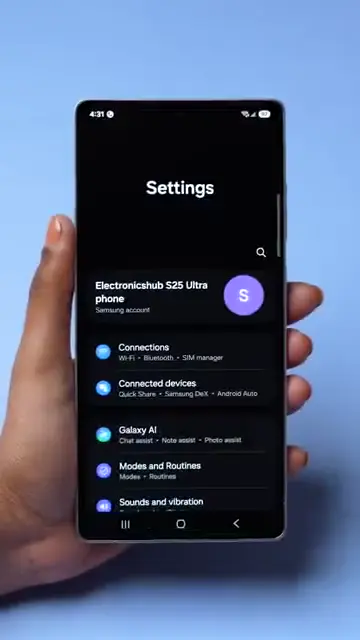
To begin, navigate to your device’s display settings. Here, look for the option labeled ‘Edge Panels’ and tap to enter the menu.
Step 3: Set Up Favorite Contacts
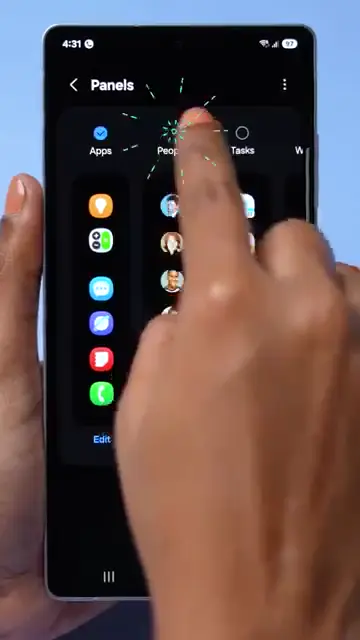
Within the Edge Panels settings, you can select the panels option labeled ‘People.’ Choose your favorite contact to add to your home screen for easy access.
Step 4: Quickly Call Your Favorite Contacts
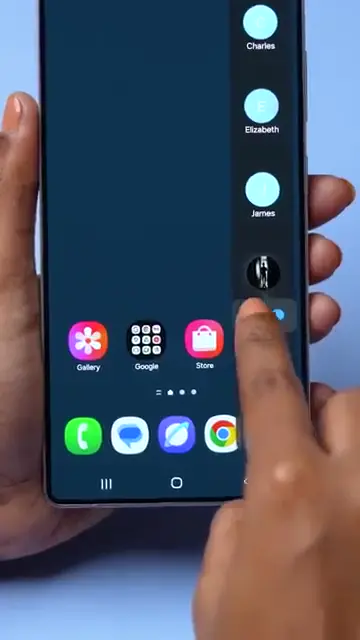
Once you have set up your favorite contacts, you can easily swipe on your home screen and tap to call them directly without navigating through your contacts list.
Step 5: Enable Battery Protection
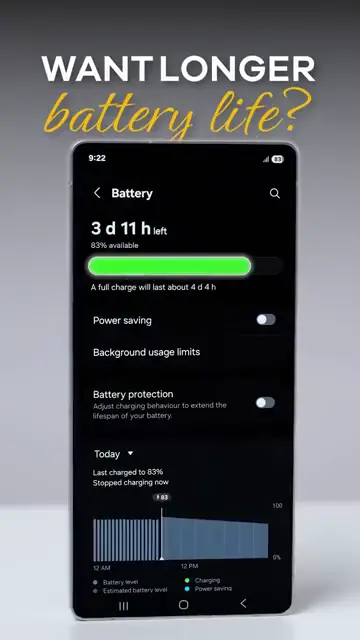
If you’re looking to conserve battery life, access the settings menu and navigate to ‘Battery.’ Here, search for the ‘Battery Protection’ option and enable it.
Step 6: Create Custom AI Wallpapers
To personalize your home screen, go to ‘Settings’ and select ‘Wallpaper and Style.’ Tap ‘Change Wallpaper’, then choose ‘Create with AI’ to design unique wallpapers tailored to your preferences.
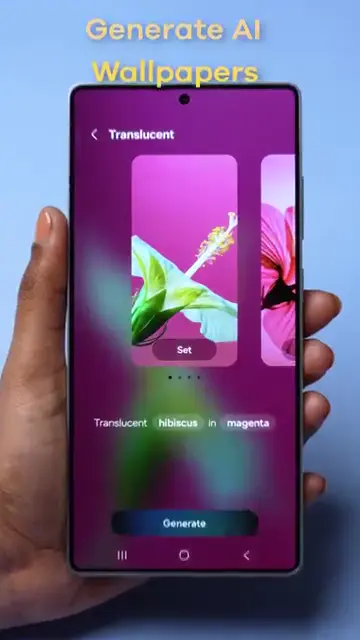
Step 7: Generate Personalized Wallpaper
After entering your style preferences, tap on ‘Generate’ to create your customized wallpaper and enjoy the new look of your home screen.
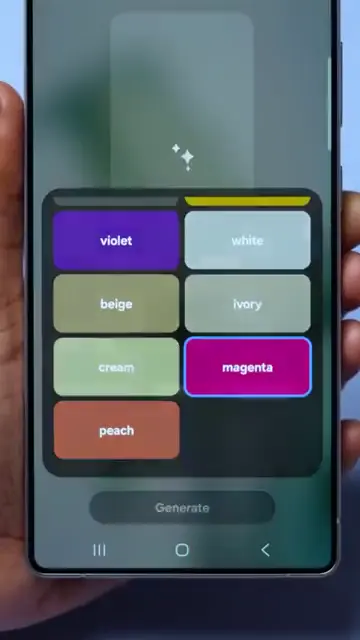
Frequently Asked Questions
How do I access the Edge Panels on Samsung?
Go to your display settings, then find and tap on ‘Edge Panels’ to access the features.
What does enabling battery protection do?
Enabling battery protection helps extend your battery life by managing power efficiently.
Can I customize my home screen wallpaper?
Yes, you can customize your home screen wallpaper using generative AI by navigating to ‘Wallpaper and Style’ in your settings.
What are some quick call features on Samsung?
You can set up quick calls to your favorite contacts using Edge Panels, allowing you to swipe and tap to call directly.
Watch the Video Tutorial
Conclusion
By modifying these essential settings, you can significantly enhance your Samsung device’s performance, battery longevity, and visual appeal. Embrace these tips and enjoy a more personalized experience!





Leave a comment