
Key Takeaways:
- Discover how iOS 26 enhances battery life.
- Learn about the new adaptive power mode.
- Explore the full-screen music player feature.
With the release of iOS 26, several hidden features have arrived that many users are unaware of. This update includes enhancements that improve battery life, visual effects, and overall user experience. In this guide, we’ll explore some of these hidden features that are worth talking about!
Step 1: Introduction to iOS 26 Hidden Features
iOS 26 brings several hidden features that enhance your iPhone experience. Stay tuned as we explore them in detail!

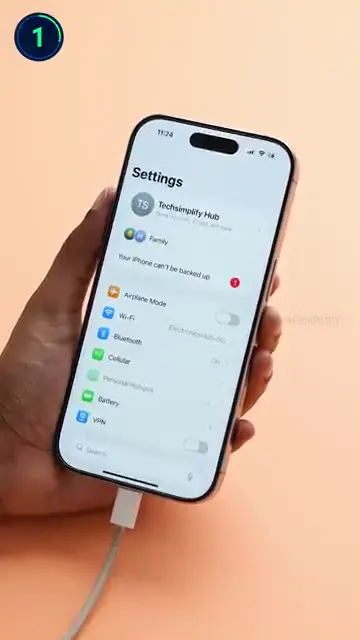
Step 2: Charging Duration Feature
Your iPhone will now show an estimated time remaining until fully charged. This is a handy feature that helps you manage your charging schedule better.
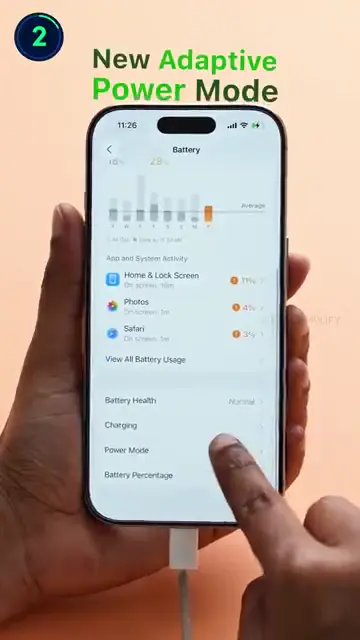
Step 3: Adaptive Power Mode
The adaptive power mode adjusts your iPhone’s performance according to your usage. This helps you get more battery life throughout the day.
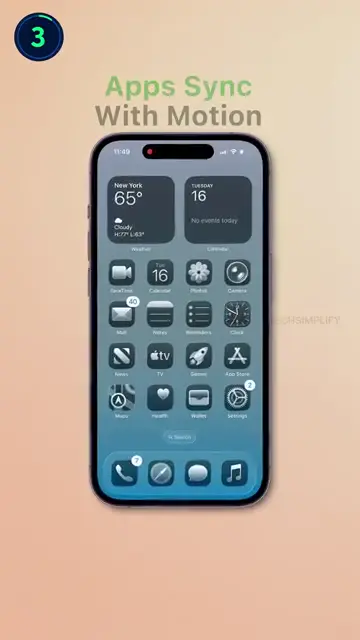
Step 4: Smooth App Motion
In iOS 26, apps animate in sync with your phone’s motion, creating a visually pleasing glass-like effect. This offers smoother transitions while navigating.
Step 5: 3D Lock Screen Wallpapers
The updated lock screen now features wallpapers that give a new 3D look, adding a fresh aesthetic to your device.

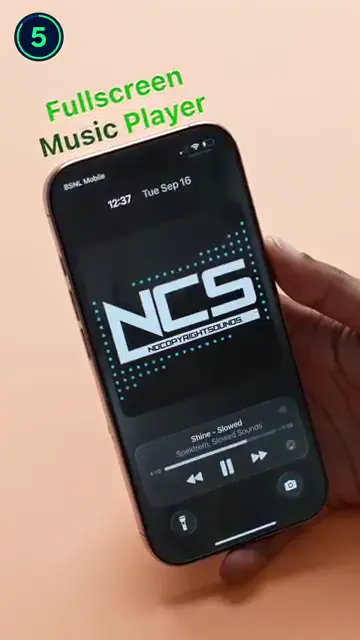
Step 6: Show Full-Screen Music Player
Enjoy a full-screen experience while listening to music. When a song is playing, the music player interface expands to occupy the entire screen, adding to your listening experience.

Step 7: View AirPods Pop-Up Animation
When you connect your AirPods, a new pop-up animation appears on your iPhone. This adds a fun visual element to connecting your devices.
Frequently Asked Questions
What new features are included in iOS 26?
iOS 26 includes new charging duration features, adaptive power mode, and smooth app motion effects.
How does the adaptive power mode work?
The adaptive power mode optimizes performance based on usage, extending your iPhone’s battery life.
Will my wallpapers change with iOS 26?
Yes, iOS 26 introduces new 3D lock screen wallpapers for a more dynamic look.
Are there any hidden features in iOS 26?
Absolutely! Many hidden features enhance user experience, such as smooth app animations and charging estimates.
Watch the Video Tutorial
Conclusion
These hidden features in iOS 26 can greatly enhance your user experience. Be sure to explore these updates to make the most out of your iPhone!








Leave a comment