
Key Takeaways:
- Learn how to find music on Pixabay.
- Understand how to download songs using Google Chrome.
- Navigate using your phone to easily access downloads.
Downloading songs on your phone using Google Chrome can be a breeze if you know the right steps. In this guide, we’ll walk you through how to easily locate and download royalty-free music using the popular website Pixabay. Whether you’re using an Android or iPhone, these straightforward instructions will help you enjoy your favorite tunes quickly and efficiently.
Step 1: Open Google Chrome and Visit Pixabay
Open the Google Chrome app on your phone. In the address bar, type in the URL for Pixabay, a website where you can find royalty-free music. This is a great source for legal music downloads.
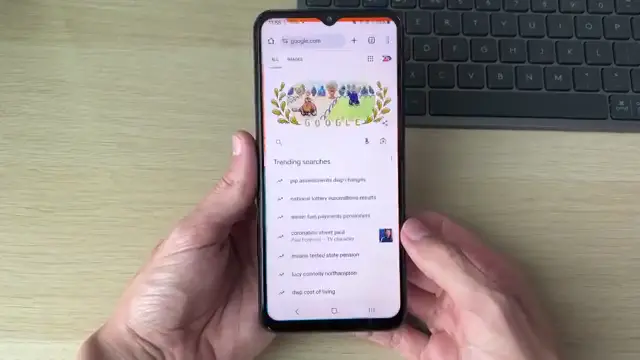
Step 2: Enter the Pixabay URL
Type ‘pixabay.com’ into the address bar of Google Chrome and press enter to navigate to the site.
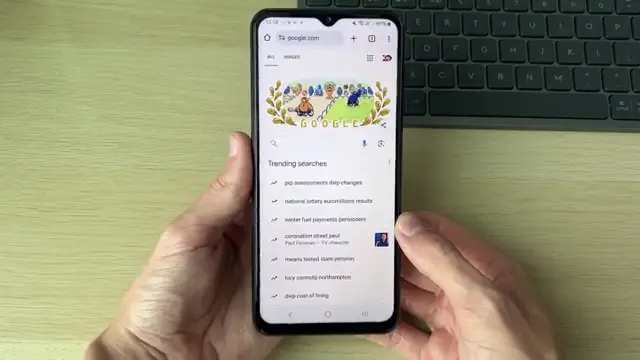
Step 3: Scroll to Find the Music Section
After reaching the Pixabay homepage, scroll down and across to locate the music section. You will find it labeled for your convenience.
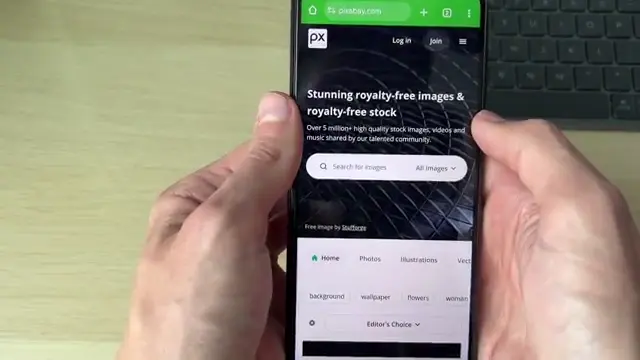
Step 4: Preview Music Tracks
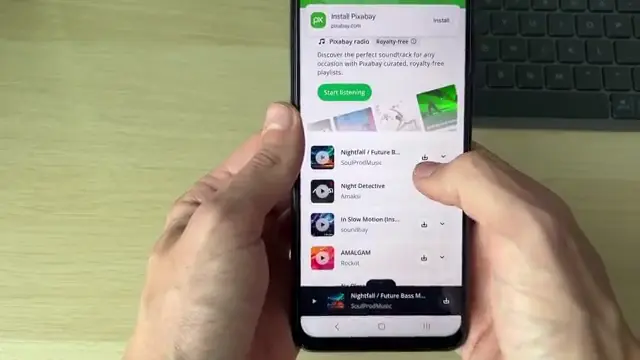
Once in the music section, scroll down to browse available tracks. You can preview them by clicking the play/pause button next to each track.
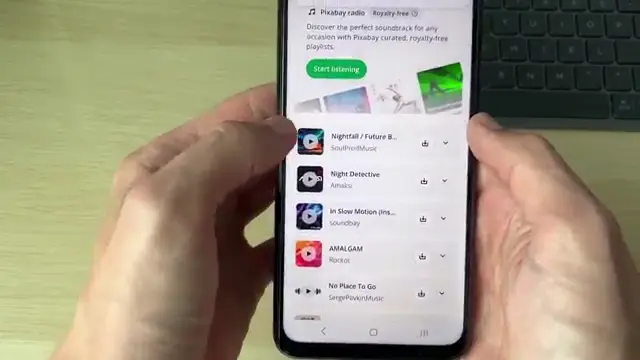
Step 5: Download Your Chosen Track
After selecting a track, click on the download button located on the right side of the screen. Your chosen song will start to download to your phone immediately.
Step 6: Locate and Open Your Downloaded Music
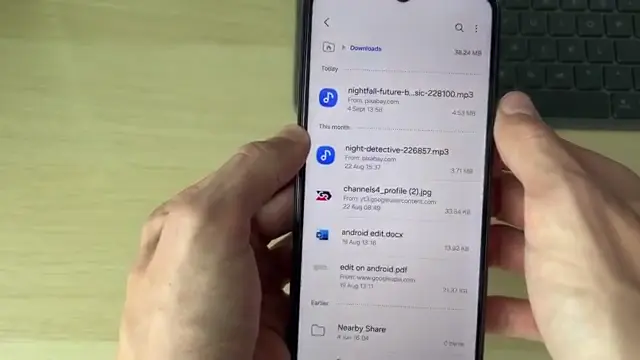
To find your downloaded music, exit Google Chrome and open your device’s file manager. Go to the Downloads folder to find your downloaded file at the top. Tap on it to play your music.
Frequently Asked Questions
Can I download songs from any website with Chrome?
You can download songs from any website that offers accessible music downloads, like Pixabay or other royalty-free music sites.
How do I find my downloads on my phone?
Open your phone’s file manager, then go to the Downloads folder to locate your downloaded songs.
Is it legal to download music from Pixabay?
Yes, music downloaded from Pixabay is royalty-free and can be used legally.
Can I use Google Chrome to download songs on an iPhone?
Yes, the steps for downloading songs using Google Chrome on an iPhone are similar to those on an Android device.
Watch the Video Tutorial
Conclusion
Following these steps, you can quickly download music using Google Chrome on your phone. Enjoy your favorite tracks anywhere, anytime!



Leave a comment