
Key Takeaways:
- Understand how to find view once photos on WhatsApp.
- Learn to manage storage settings for WhatsApp.
- Discover ways to recover view once photo easily.
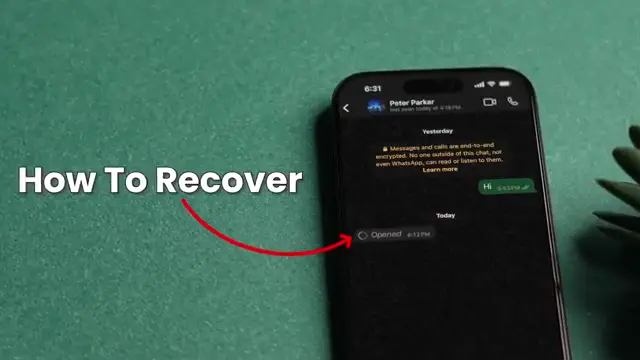
When you receive a WhatsApp view once photo, you may think it’s lost forever after viewing it for the first time. However, there are ways to access these temporary images without too much hassle. This guide will walk you through easy steps to recover WhatsApp view once photos from your device settings.
Step 1: Open WhatsApp
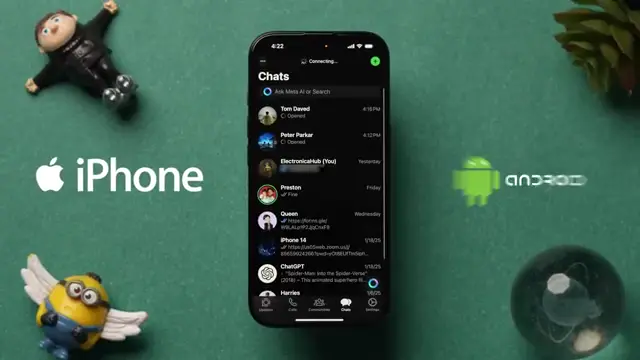
Begin by launching the WhatsApp application on your mobile device, whether it’s an iPhone or Android. This is the first step to accessing your messages and settings related to view once photos.
Step 2: Access Settings
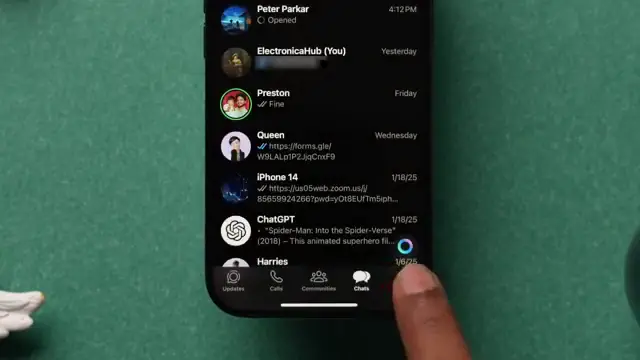
Next, find the settings wheel located at the bottom right corner of the screen and tap on it to access the app configurations. This is essential for managing your storage and data settings.
Step 3: Navigate to Storage Settings
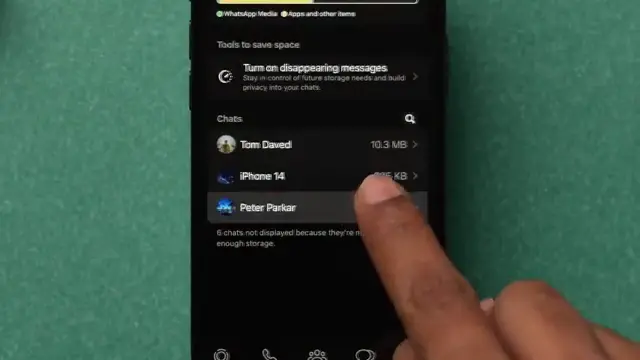
Scroll down within the settings menu until you find the ‘Storage and Data’ option. Tap on this to proceed to manage your storage where WhatsApp media is stored.
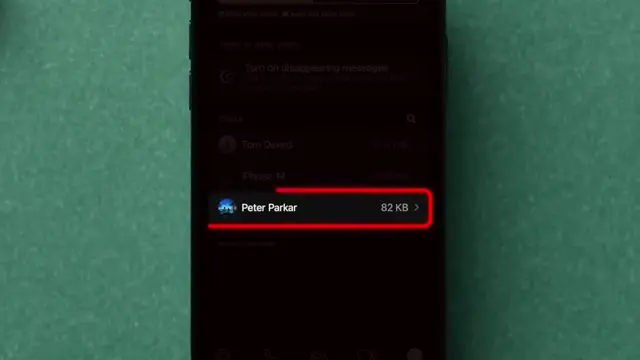
Step 4: Select the Contact
Once in the storage settings, locate the contact who sent you the view once photo. Tap on their name to access their media files. This step is crucial for finding the specific photo you’re looking for.
Step 5: View the Photo
Finally, click on the view once photo you want to access. This allows you to see the image again, essentially recovering it for viewing after the first time. Remember, photos sent using this feature may be deleted from your chat but may still be viewable here.
Also recommended: How to Send HD Photos on WhatsApp iPhone for more step-by-step guidance.
Frequently Asked Questions
Can I recover WhatsApp view once photos if they have been deleted?
Unfortunately, once a view once photo has been opened and closed, it cannot be recovered in the chat history.
How do view once photos work in WhatsApp?
View once photos can only be viewed one time by the recipient; they are automatically deleted after viewing.
Is there a way to save view once photos?
WhatsApp does not allow saving of view once photos directly; however, accessing them via the storage settings may help.
What if I can’t find the photo I received?
Make sure to navigate through the correct contact’s storage settings and check any recent photos shared.
Watch the Video Tutorial
Conclusion
Recovering view once photos on WhatsApp is straightforward if you follow the proper steps outlined above. Always remember to check your storage settings to manage and access media correctly.




Leave a comment