
Key Takeaways:
- Understand how to add a swipe-up link to Instagram Stories.
- Learn requirements for swipe-up links: a business account and followers.
- Step-by-step on using the link icon during story creation.
Adding links to your Instagram Story can significantly boost engagement by directing followers to your other content. This feature, often referred to as a “swipe-up link,” allows you to guide viewers to your website or video. However, to access this feature, you must meet specific requirements, including having a business account and a minimum follower count. In this guide, we’ll walk you through the steps to create a swipe-up link on your Instagram Story, ensuring you maximize your content’s reach.
Step 1: Open Instagram and Prepare Your Story
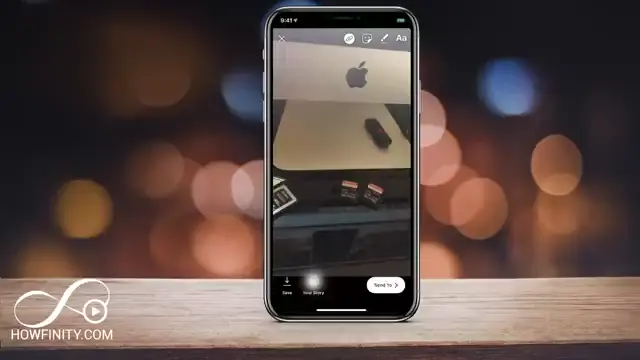
Launch the Instagram app and navigate to your story by tapping on the camera icon at the top left. Take a picture or upload an image for your story. This is the starting point to add your swipe-up link and engage your audience effectively.
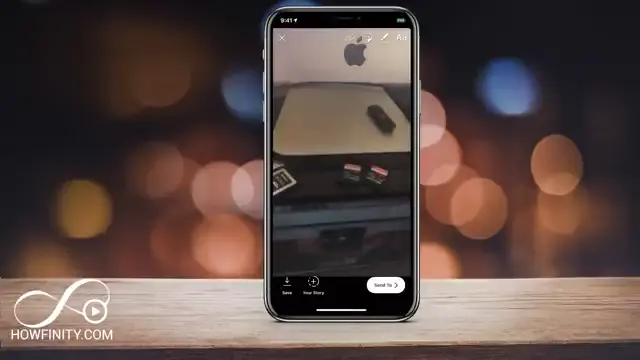
Step 2: Check for the Link Icon
After taking your photo, look for the link icon at the top. If you see it, tap on it to access link options. If not, it likely means you need to set up an IGTV account or meet the necessary criteria for adding links to stories.
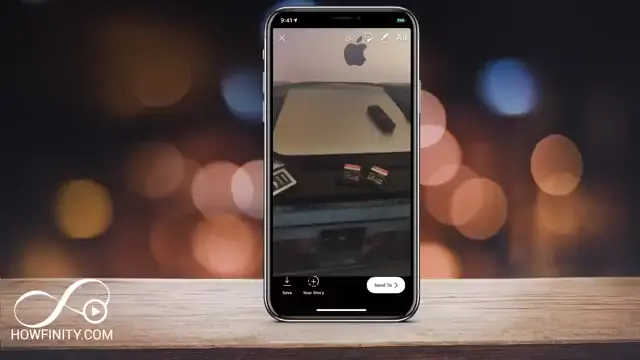
Step 3: Ensure You Meet Link Requirements
Before proceeding with your Instagram Story, ensure you have a business profile and at least 10,000 followers. If not, switch to a business profile in the settings where you can also connect to a Facebook page if needed.
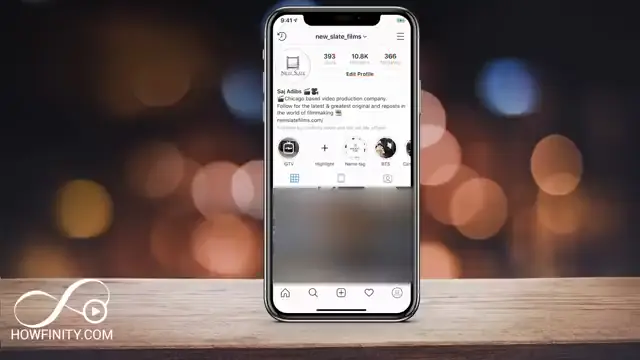
Step 4: Add a URL Link to Your Story
With your requirements met, return to your story and tap the link icon. Select ‘URL’ to enter the website link of your choice. This is how you can effectively direct your followers to any external content you wish to promote.
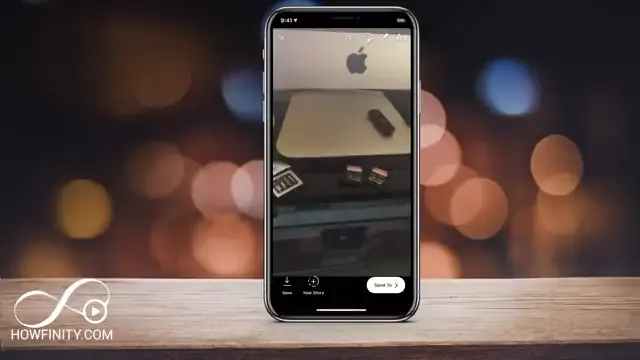
Step 5: Share Your Story with the Link
Once you’ve entered the desired URL link, press the link option on top, then select ‘URL’, type in any website, blog, or video you want. After that, press done and then the ‘+’ icon to share your story. This will allow your audience to swipe up and access the link, effectively promoting your content.
Frequently Asked Questions
How do I get the swipe-up link feature on Instagram?
To get the swipe-up link feature, you must have a business account and at least 10,000 followers.
What type of accounts can use swipe-up links in stories?
Only Instagram business accounts with 10,000 or more followers can utilize swipe-up links in stories.
Can I add a link if I have a personal account?
No, personal accounts do not have access to the swipe-up link feature. You need a business account.
Is there any other way to link to content in my Instagram Stories?
Yes, you can add stickers or text that directs followers to your bio link, but the swipe-up feature is exclusive to eligible accounts.
Watch the Video Tutorial
Conclusion
By following these steps, you can effectively add links to your Instagram Stories, enhancing engagement with your audience. Remember the prerequisites of having a business profile and the right follower count to unlock this useful feature. Happy linking!




Leave a comment