
Key Takeaways:
- Step-by-step guide to delete TrueCaller account
- How to permanently unlist your phone number
- Understanding the implications of unlisting
If you’re looking to delete your TrueCaller account and permanently unlist your phone number, you’ve come to the right place. In this guide, we will walk you through the process step-by-step, ensuring you understand each part of the unlisting procedure.
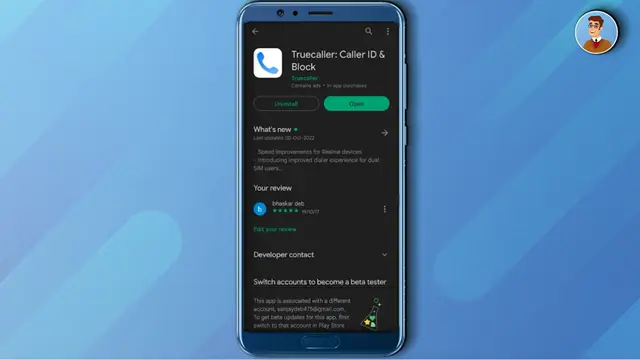
Step 1: Open TrueCaller App
Begin by launching the TrueCaller app on your device. This is where you will access your account settings to start the deletion process.
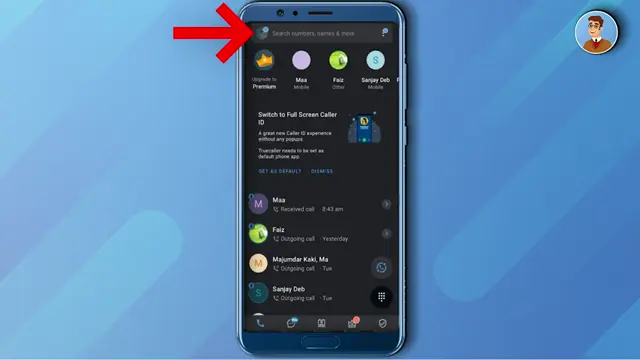
Step 2: Access Profile Settings
Tap on the profile icon located at the top left corner of the screen to open your profile settings. You will need to navigate to the settings from here.
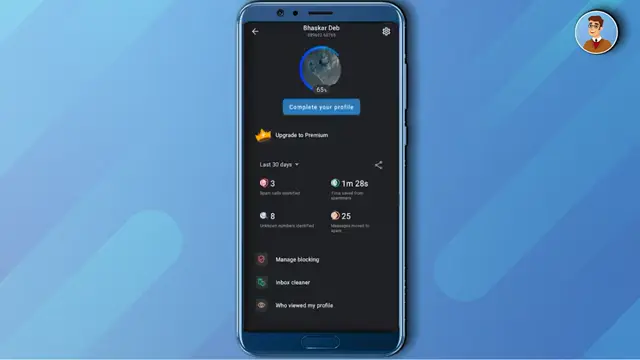
Step 3: Go to Account Settings
Next, proceed to the settings option at the top right corner of the profile menu. This will allow you to find the deactivation option.
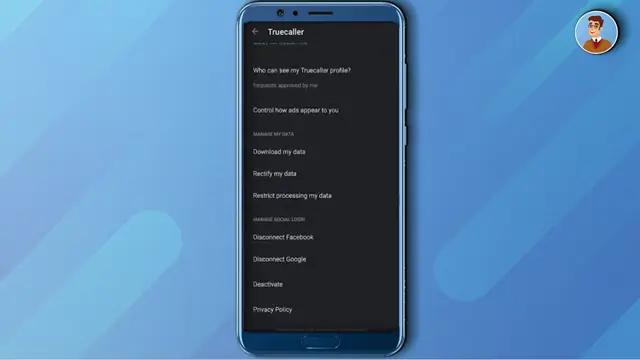
Step 4: Deactivate Your Account
Scroll down until you find the ‘Deactivate’ option. Click on it to start the deactivation process. You will be prompted to confirm your choice by pressing ‘Yes’.
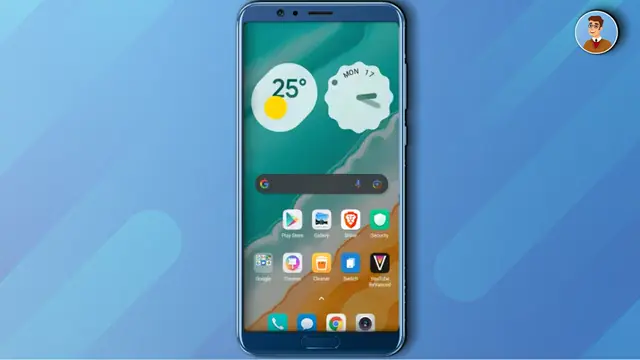
Step 5: Visit Unlisting Website
After deactivating, you need to open a web browser and search for ‘unlist TrueCaller’. Click on the first link to access the unlisting page.
Step 6: Submit Your Phone Number
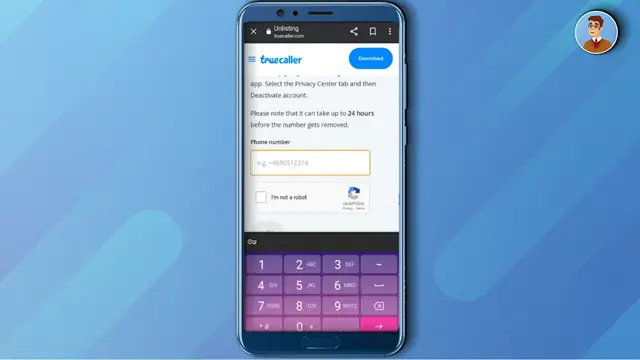
On the unlisting page, enter your phone number along with the country code and click ‘I’m not a robot’. This ensures you are submitting a valid request to unlist your number.
Step 7: Confirm Unlisting
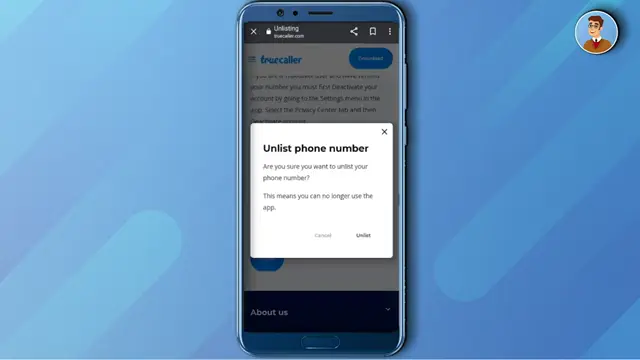
Finally, you will receive a warning confirming whether you want to unlist your phone number. If you’re sure, click ‘Unlist’, and your number will be permanently removed from TrueCaller.
Frequently Asked Questions
Will deactivating my TrueCaller account remove my number?
No, deactivating your account does not remove your number. You must go through the unlisting process to permanently remove it.
Can I reactivate my TrueCaller account after unlisting?
Once you unlist your number, you will not be able to sign up with that same number on TrueCaller again.
How do I know if my number is unlisted?
After submitting your request through the unlisting page, you will receive a confirmation if your number was successfully removed.
What happens if I mistakenly unlist my number?
If you confirm unlisting, your number will be removed permanently, and you cannot re-register with that number on TrueCaller.
Watch the Video Tutorial
Conclusion
Following these simple steps will help you successfully delete your TrueCaller account and permanently unlist your phone number, ensuring your privacy.










Leave a comment