
Key Takeaways:
- Step-by-step instructions to delete your Telegram account
- Tip on confirming account deletion
- Details about the confirmation process
If you’re looking to delete your Telegram account permanently, you’re in the right place. Follow these steps to ensure your account is gone for good.
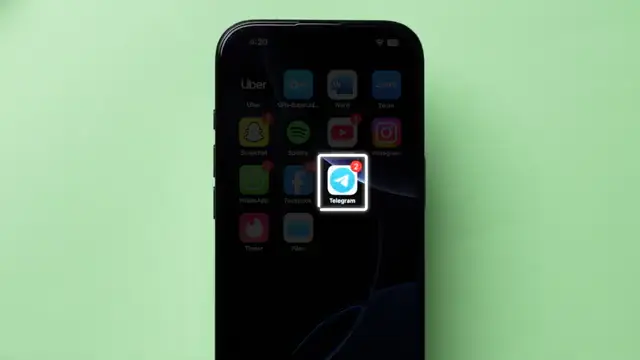
Step 1: Open the Telegram App
Start by launching the Telegram app on your device. You’ll need to have your account logged in to proceed with the deletion process.
Step 2: Access Settings
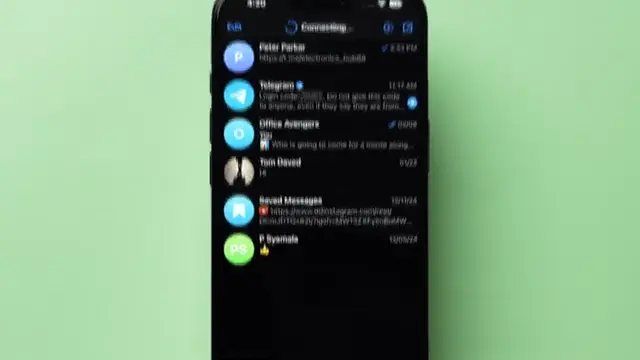
At the bottom right corner of the app, click on the settings icon. This will take you to multiple options regarding your account settings.
Step 3: Go to Privacy and Security
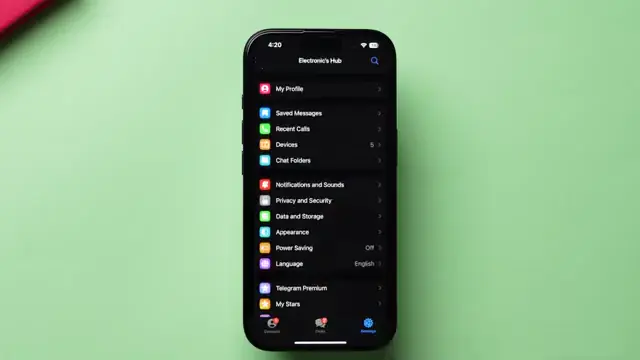
Once in settings, look for the ‘Privacy and Security’ option and tap on it. Here, you’ll find various privacy settings for your account.
Step 4: Find Account Deletion Option
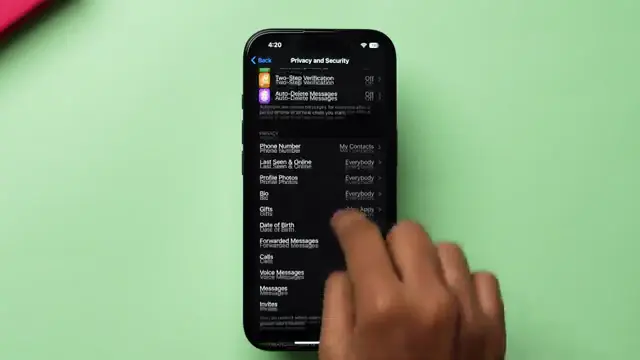
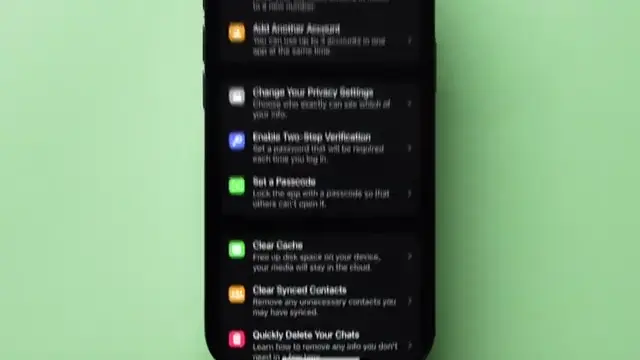
Scroll down to the section that says ‘Automatically delete my account’. Click on this option to proceed with the deletion process.
Step 5: Initiate Account Deletion
Tap on ‘Delete Account’. A new page will appear. Scroll to the bottom and click on ‘Delete My Account’ to confirm the start of the deletion process.
Step 6: Confirm Deletion
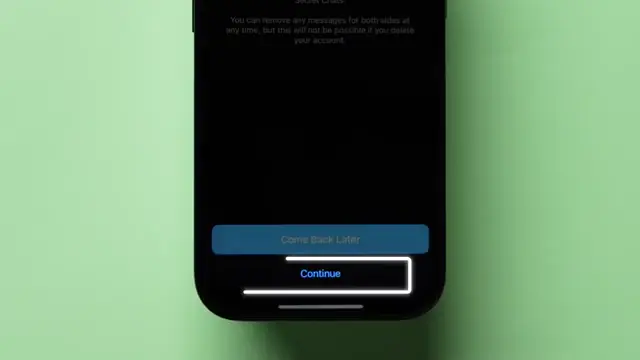
A confirmation page will appear. Tap on ‘Continue’, and you’ll be prompted to enter your phone number with the country code. Tap on ‘Continue’ again to finalize the deletion.
Step 7: Final Confirmation
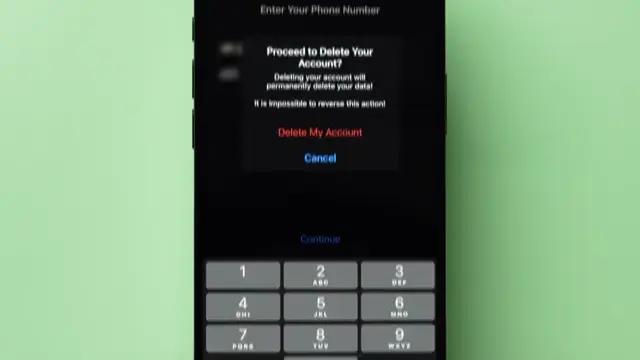
Finally, a popup will appear asking for confirmation. Click on ‘Delete My Account’ to confirm. Your account will now be deleted and you’ll see a confirmation message.
Also recommended: Easily Delete Your Facebook Account in 2026 for more step-by-step guidance.
Frequently Asked Questions
Can I recover my Telegram account after deletion?
No, once you delete your Telegram account permanently, you cannot recover it.
Will my messages be deleted?
Yes, all messages and data associated with your account will be cleared.
How long does it take to delete my account?
The deletion process is immediate once you confirm it.
Do I need to contact support to delete my account?
No, you can delete your account directly from the app without contacting support.
Watch the Video Tutorial
Conclusion
By following these straightforward steps, you can delete your Telegram account permanently, ensuring all your data is removed from the platform.








Leave a comment