
Key Takeaways:
- Learn how to access adult videos on YouTube.
- Understand the impact of Restricted Mode settings.
- Navigate Google Family Link for content restrictions.
Watching adult videos on YouTube can be tricky due to various settings and restrictions, especially if you have family accounts or parental controls in place. This guide will walk you through the steps to access adult content while ensuring you remain aware of the settings that might limit your access. For more tips on multitasking while watching videos, check out how to watch YouTube videos while using other apps.
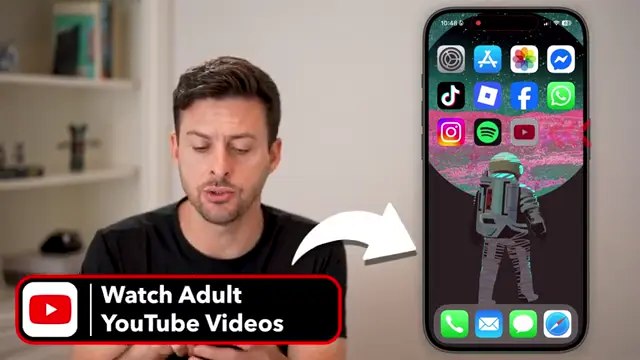
Step 1: Open the YouTube App
Launch the YouTube app on your device, whether it’s an iPhone, Android, or a computer. Ensure you are logged into your account to access settings needed for configuration.
Step 2: Access YouTube Settings
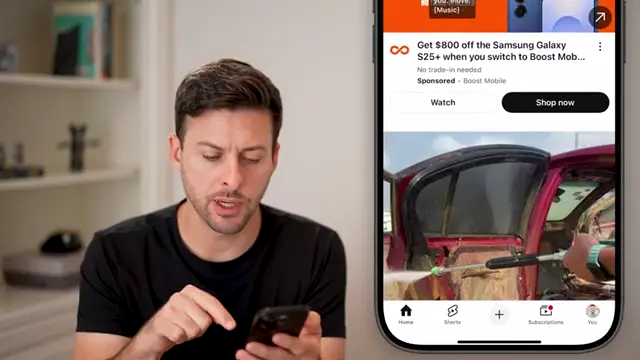
Tap on the ‘U’ button located at the bottom right corner. Then, click on the gear icon at the top right to access your settings options.
Step 3: Disable Restricted Mode
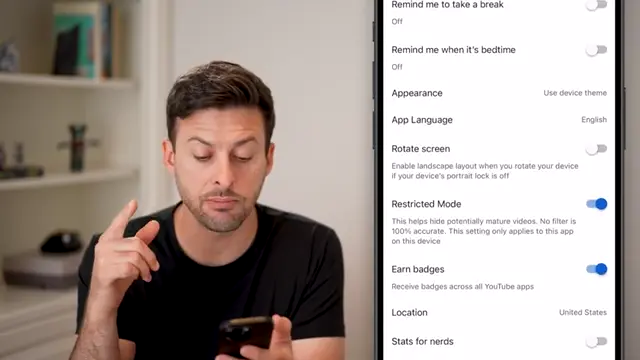
In the settings menu, find the ‘General’ option and select it. Look for ‘Restricted Mode’ in the list; if enabled, turn it off to view adult videos.
Step 4: Check Google Family Link Settings
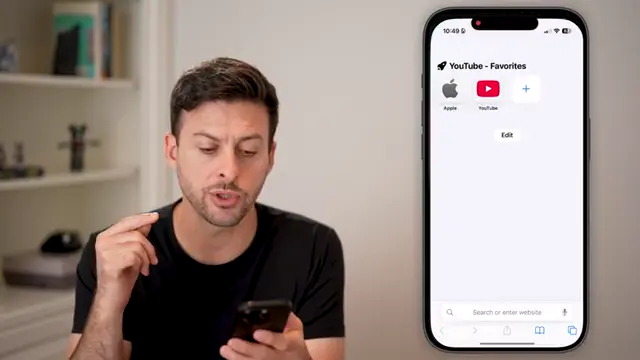
Open a web browser and navigate to Google Family Link. Sign in to see if any child accounts are limiting your YouTube access based on settings by parents or guardians.
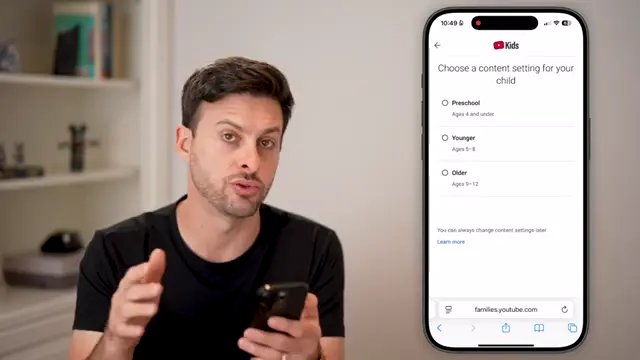
Step 5: Adjust Age Settings for Child Accounts
If you have child accounts linked to your Google account, check the age settings on Family Link. Change these settings accordingly to enable access to adult content for your account.
Frequently Asked Questions
Can I watch adult videos on YouTube for free?
Yes, you can watch adult videos on YouTube for free, provided that you have adjusted the necessary settings to allow such content.
What is Restricted Mode on YouTube?
Restricted Mode is a setting that helps hide videos that may contain inappropriate content. Disabling it allows access to adult videos.
How do I access Google Family Link?
You can access Google Family Link through a web browser by visiting the Google Family Link website and signing in with your account.
Are my children protected from adult content on YouTube?
If your children have a linked account with Google Family Link, parental controls can restrict access to adult content based on settings you choose.
Watch the Video Tutorial
Conclusion
Navigating YouTube’s settings and understanding Google Family Link can allow you to watch adult videos while keeping family accounts protected. Always be aware of the settings in place to avoid unintended access restrictions.



Leave a comment