
Key Takeaways:
- Understand how to manage YouTube privacy settings.
- Learn to turn off settings that allow tagging.
- Discover how to keep subscriptions private.
If you’re concerned about privacy while watching videos on YouTube, it’s a good idea to turn off certain settings that can compromise your information. Through this guide, you will learn how to disable features that allow others to tag you in videos, as well as keep your subscriptions private. Adjusting your YouTube settings can make your viewing experience much safer.
Step 1: Open YouTube App
Start by launching the YouTube app on your device. This can be done on your iPhone, Android device, or a computer. Make sure you are logged into your account to access the necessary settings.
Step 2: Access Your Channel
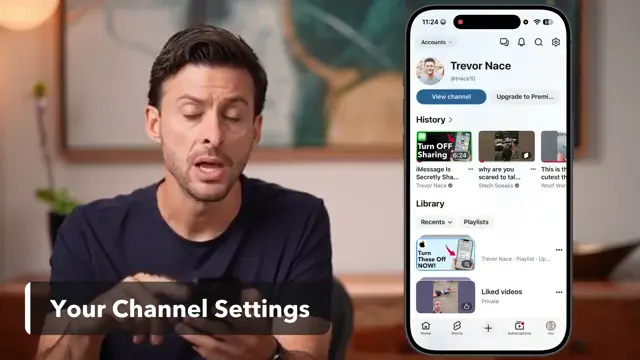
Tap on ‘You’ located at the bottom right of the app. Next, find and select ‘View Channel’ at the top left of the screen. This will lead you to your channel settings where you can adjust privacy options.
Step 3: Disable Community Posts
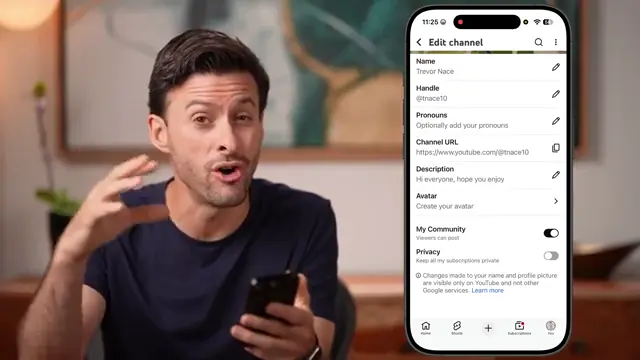
To prevent random users from posting on your channel, find the setting labeled ‘My Community’. If it allows viewers to post, make sure to turn this option off. This will enhance your channel’s privacy.
Step 4: Adjust Privacy Settings
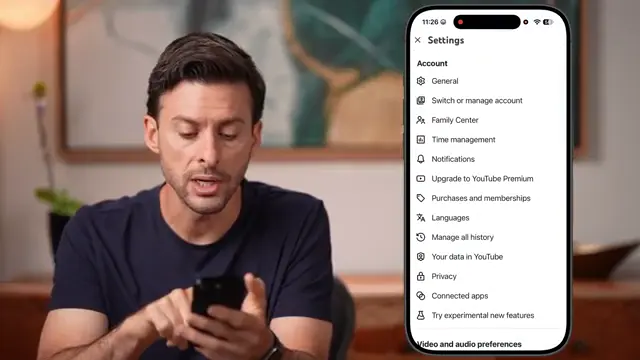
Navigate to the settings gear icon at the top right. Tap on this icon and then select ‘Privacy’. Review the options available and consider turning off the setting that allows users to mention you in titles or comments.
Step 5: Disable Personalized Ads
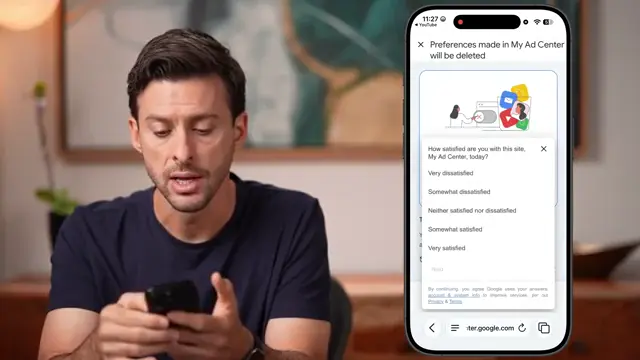
In the settings, locate ‘Ad Center’ to manage your ad preferences. You can toggle off ‘Personalized Ads’ to avoid receiving ads tailored based on your viewing history. This ensures a less invasive advertising experience.
Step 6: Manage Location Settings
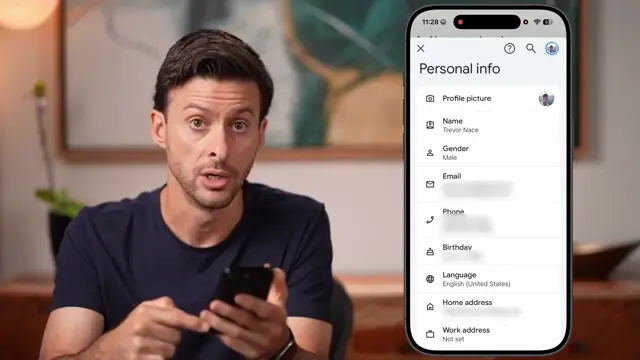
Lastly, go to ‘Manage your places’ in the settings. If you’re comfortable, you can keep your location settings active for relevant recommendations, or remove your home and work addresses to enhance privacy.
Frequently Asked Questions
What settings should I turn off on YouTube?
It’s recommended to turn off community posts and personalized ads, and control who can tag you.
How do I keep my YouTube subscriptions private?
You can set your subscriptions to private in the privacy settings of your channel.
Can other users mention me in YouTube videos?
Yes, unless you turn off the setting that allows others to tag or mention you.
Will turning off personalized ads stop all ads?
No, it will only stop YouTube from personalizing ads based on your behavior.
Watch the Video Tutorial
Conclusion
Taking the time to adjust your YouTube settings can significantly enhance your privacy and improve your overall viewing experience. By following these steps, you can ensure that you have control over who can interact with your channel and what information is shared.





Leave a comment