
Key Takeaways:
- Learn to disable voicemail using the phone app.
- Understand settings for call forwarding on iPhone.
- Get tips for contacting your service provider.
If you’re fed up with unwanted voicemail messages on your iPhone, you’re not alone. Turning off voicemail can help prevent calls from being forwarded to it, allowing you to manage your calls more effectively. Follow these simple methods to turn off voicemail on your iPhone today.
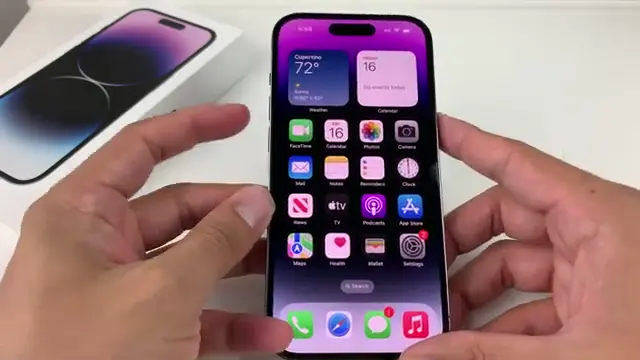
Step 1: Open the Phone App
Begin by launching the Phone app on your iPhone. This is the application you use for making calls and managing your contacts.
Step 2: Tap on the Keypad Tab
Once you’re inside the Phone app, look for the keypad tab. This is where you can enter codes to manage your phone settings.
Step 3: Enter Deactivation Code
Here, enter the code *73 and then press the call button. This will disable call forwarding, including to your voicemail.
*73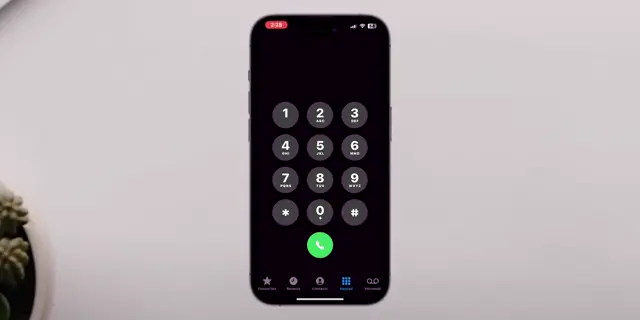
Step 4: Adjust Call Forwarding Settings
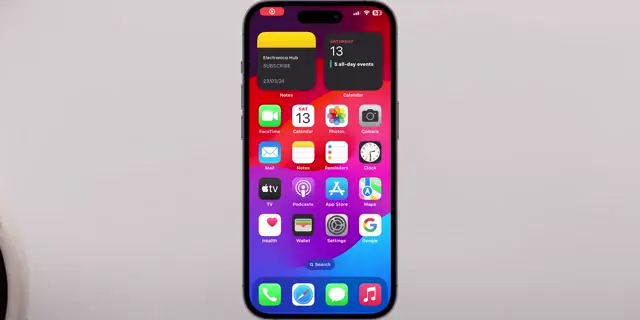
Next, open the Settings app, scroll down and tap on ‘Phone’. Look for the ‘Call Forwarding’ option and make sure it’s turned off to prevent calls from going to voicemail.
Frequently Asked Questions
How do I completely turn off voicemail on my iPhone?
You can turn off voicemail through the Phone app or Settings by disabling call forwarding to your voicemail.
What code do I enter to deactivate voicemail?
Entering *73 on your iPhone’s keypad can deactivate call forwarding, including to voicemail.
Can I disable voicemail without contacting my carrier?
If voicemail remains active after following the steps, contacting your service provider may be necessary to deactivate it.
Will turning off voicemail affect missed calls?
Yes, disabling voicemail means missed calls will not be forwarded to voicemail, and you’ll miss those messages.
Watch the Video Tutorial
Conclusion
With these straightforward methods, you can effectively manage voicemail settings on your iPhone. If you encounter any difficulties, reaching out to your service provider can provide additional assistance.




Leave a comment