
Key Takeaways:
- Learn how to change your TikTok region using a VPN.
- Understand how VPNs work to bypass restrictions.
- Discover why changing your TikTok region can improve your experience.
Changing your TikTok region allows you to access a different range of content tailored to that location. However, recent updates have removed the straightforward option to do so within the app. Fortunately, there’s a reliable workaround using a VPN (Virtual Private Network). This guide will walk you through the steps required to change your TikTok region back to your desired country. Let’s explore how you can effortlessly transform your TikTok feed.
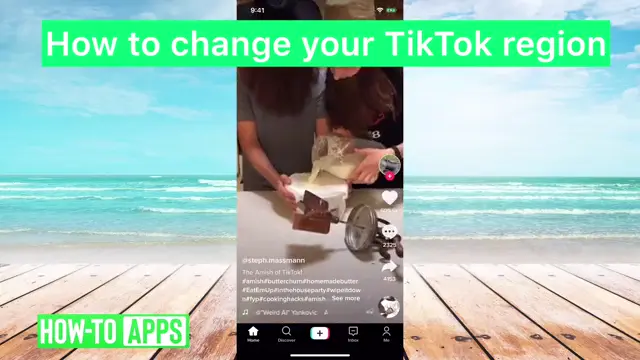
Step 1: Access TikTok Account Settings
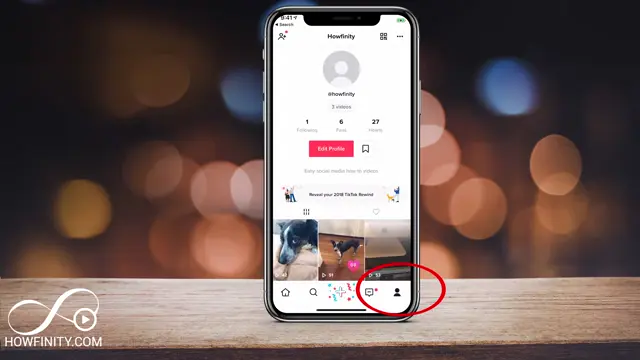
Open TikTok and tap on the ‘Me’ icon located at the bottom right of the screen. Then, select the three dots at the top right to access Manage My Account. Here, you’ll see that the option to change your region has been removed.
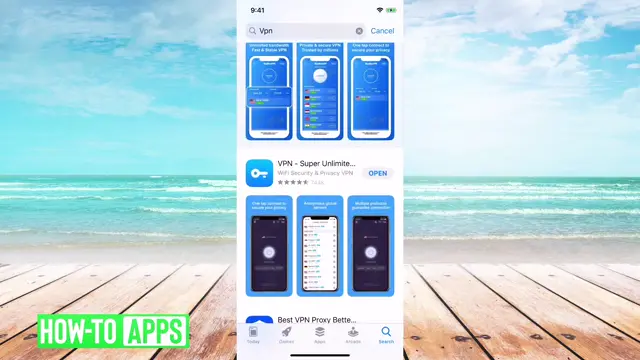
Step 2: Get a VPN for Changing Regions
To change your TikTok region, you’ll need to download a VPN app from the app store. Search for VPN options and select a popular, top-rated VPN. This will allow you to change your virtual location to another country and see different content on TikTok.
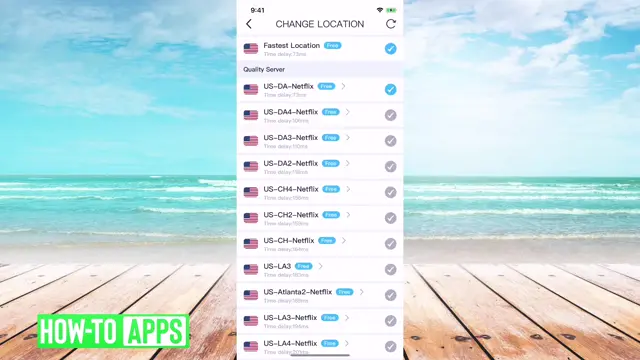
Step 3: Connect to a Different Country via VPN
Open your VPN app, find the option for selecting locations, tap on it to view a list of countries, select one, like the UK, and connect. By doing this, you’ll mask your real location.
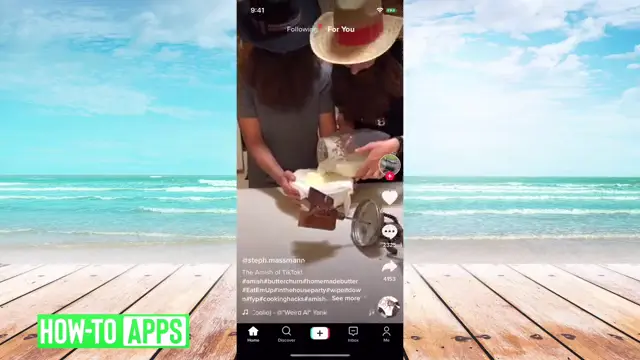
Step 4: Visit TikTok with Your New Location
Once connected to the VPN, open TikTok again. Now, TikTok will think you’re located in the country you’ve chosen via the VPN, allowing you to explore a wider variety of videos from that region.
Frequently Asked Questions
Can I change my TikTok region without a VPN?
Currently, TikTok has removed the option to change regions directly in the app, making a VPN the best method to access content from other locations.
What are some reliable VPN options for TikTok?
Popular VPN options include ExpressVPN, NordVPN, and Surfshark, which are all well-regarded for their speed and reliability.
Is using a VPN legal for changing my TikTok region?
Using a VPN is legal in many countries, but you should check your local regulations and TikTok’s terms of service.
Will changing my TikTok region affect my account?
No, changing your region with a VPN does not affect your TikTok account, but it may change the content recommendations you receive.
Watch the Video Tutorial
Conclusion
Changing your TikTok region is more challenging now, but using a VPN provides a practical solution. By following these steps, you can unlock a diverse range of content and enjoy TikTok from a new perspective. Don’t forget to comment below if you have any questions!




Leave a comment