
Key Takeaways:
- Steps to change your birthday on TikTok
- How to report a problem to TikTok
- Understanding account limits due to wrong age
If you’ve accidentally entered the wrong birthday while signing up for TikTok, don’t worry! Changing your age on TikTok is a straightforward process, although it requires a few specific actions to report the problem. This guide will walk you through the necessary steps to ensure your profile reflects your correct birthday, helping you avoid any account limitations. Let’s get started!
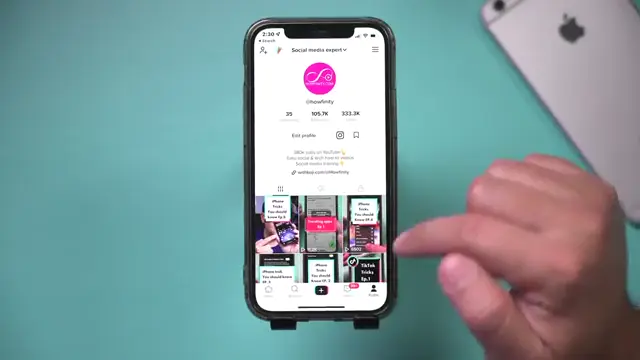
Step 1: Access Your Profile Page
Open your TikTok application and navigate to your profile by selecting the profile icon at the bottom right. This is where you’ll start the process to change your birth date to the correct one.
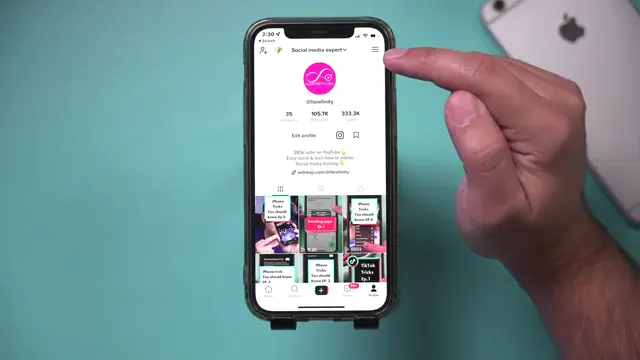
Step 2: Open Settings Menu
On your profile page, locate the three lines in the top right corner. Tap on these lines to open the settings menu, where you’ll find the option to report a problem regarding your account.
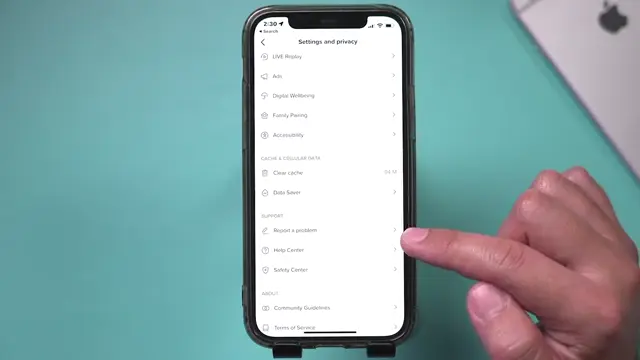
Step 3: Report the Birthday Issue
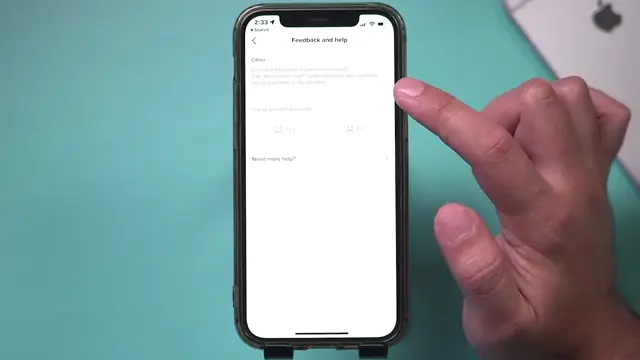
In the settings menu, choose the option for ‘Report a Problem.’ Then, select ‘Account and Profile,’ and proceed to ‘Editing Your Profile.’ Here, you can report that you entered the wrong birthday and provide any necessary proof.
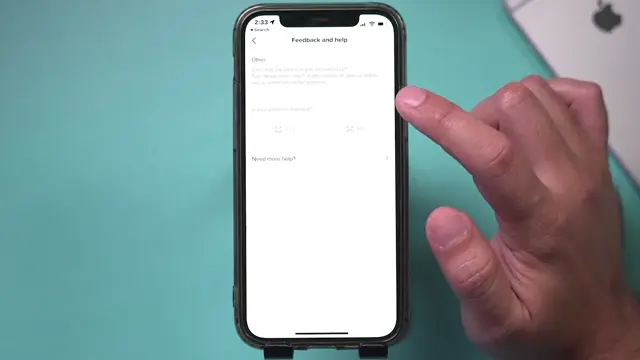
Step 4: Provide Details of the Incorrect Birthday
When reporting, include a clear explanation that you used the wrong birthday and be ready to share any supporting information if requested by TikTok.
Step 5: Submit Any Necessary Proof
If TikTok requests proof of your correct birthday, be prepared to submit appropriate documentation, such as a government-issued ID or other relevant identification.
Frequently Asked Questions
Why can’t I just change my birthday in settings?
TikTok does not provide a setting to change your birthday directly; you must report the issue to TikTok’s support.
What happens if I put the wrong birthday on TikTok?
Entering the wrong birthday can limit features available on your TikTok account until corrected.
Can I create a new account for a different birthday?
Yes, if TikTok support doesn’t resolve your issue, you can create a new TikTok account with the correct birthday.
Is there a way to prove my correct birthday?
You may need to provide proof, such as an ID, when reporting the issue with your wrong birthday.
Watch the Video Tutorial
Conclusion
Changing your age on TikTok requires you to report the problem through their support feature. By following these steps, you can update your profile and regain full access to all features. If you encounter further issues, consider reaching out to TikTok’s support team for additional help.



Leave a comment