
Key Takeaways:
- Learn why music isn’t showing in Instagram stories.
- Understand how account types affect music access.
- Find out how to switch your account type back to personal.
Are you frustrated that you can’t find any music options on your Instagram stories? This issue is often related to the type of account you have. In this guide, we’ll walk you through the simple steps to regain access to music in your stories by switching your account type back to personal. Follow along to get back to adding your favorite tracks!
Step 1: Check for Music in Instagram Stories
Start by searching for music in your Instagram stories. If nothing appears, the missing music could be due to your account settings or Instagram’s limited song library.
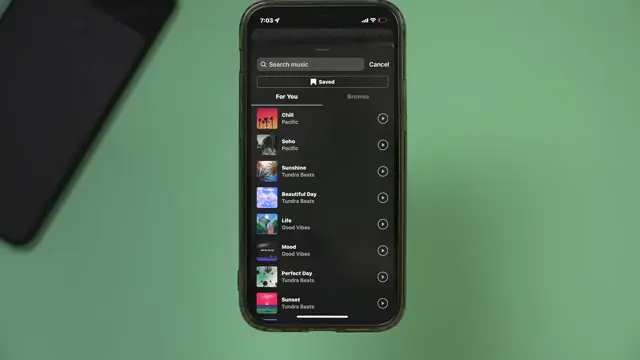
Step 2: Access Your Account Settings
Open your Instagram app and go to your profile. Tap on the three lines in the top right corner and select ‘Settings’ to ensure your account is configured correctly.
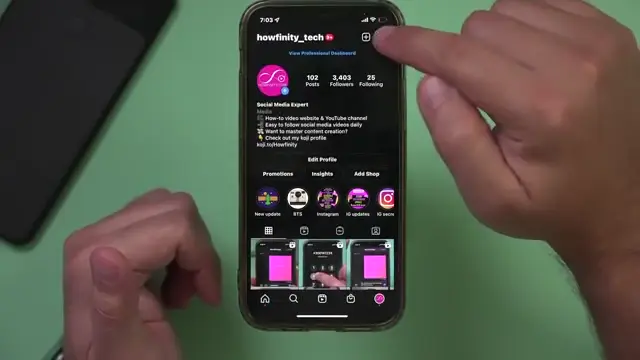
Step 3: Switch to a Personal Account
Navigate to the ‘Account’ tab in settings. If your account is set as a creator or business account, switch it back to a personal account to unlock the full music library for your stories.
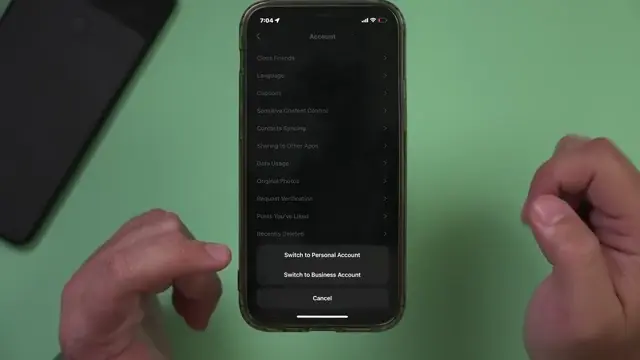
Step 4: Test and Confirm Changes
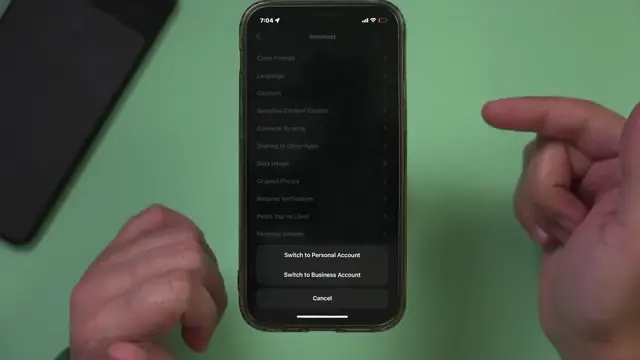
After changing your account type to personal, check your Instagram stories again for music options. If music is now available, you can switch back to your previous account type if needed.
Frequently Asked Questions
Why can’t I find music in my Instagram stories?
The most common reason is that your account type may limit access to Instagram’s music library.
How do I switch my account type on Instagram?
Go to ‘Settings’, select ‘Account’, and choose the option to switch to a personal account.
Can I switch back to my creator or business account after switching?
Yes, you can switch back and forth between account types as needed.
Is there a difference in music access between account types?
Yes, personal accounts generally have access to a wider selection of music compared to creator or business accounts.
Watch the Video Tutorial
Conclusion
By following these steps, you should be able to resolve the issue of missing music options in your Instagram stories. Remember to check your account type and switch it back to personal for full access to the music library!



Leave a comment