
Key Takeaways:
- Learn how to create a playlist in Spotify.
- Understand the requirements for downloading songs.
- Get step-by-step instructions to download your favorite music.
Are you trying to download songs from Spotify? In this guide, we’ll walk you through the steps to easily download music onto your device using the Spotify app. You’ll learn how to create a playlist, add songs, and successfully download your favorite tracks so you can enjoy them offline. With these straightforward instructions, you’ll be able to set up your music for offline listening in no time!
Step 1: Open the Spotify App
To start downloading songs, open the Spotify app on your device. If you don’t have it installed, download it from your app store. Once opened, ensure you’re logged into your account.
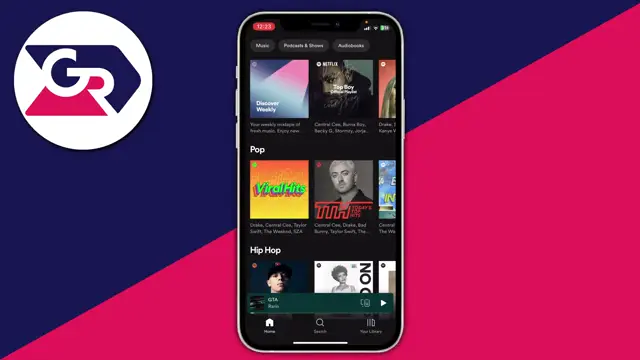
Step 2: Search for Songs or Playlists
Next, find the music you want. You can tap on the ‘Search’ button and enter the song title or navigate to ready-made playlists that you’d like to download tracks from.
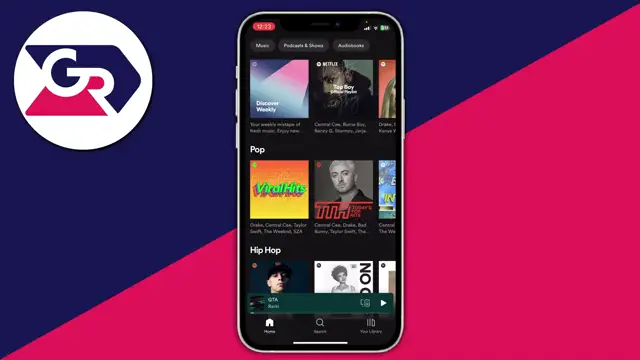
Step 3: Create a Playlist for Downloads
After locating a song, click on the three dots next to it. Select ‘Add to Playlist’ and then ‘New Playlist’ to create a playlist where you can store all the songs you want to download.
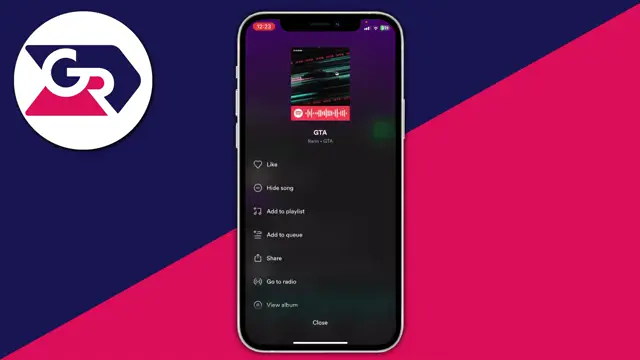
Step 4: Access Your Library
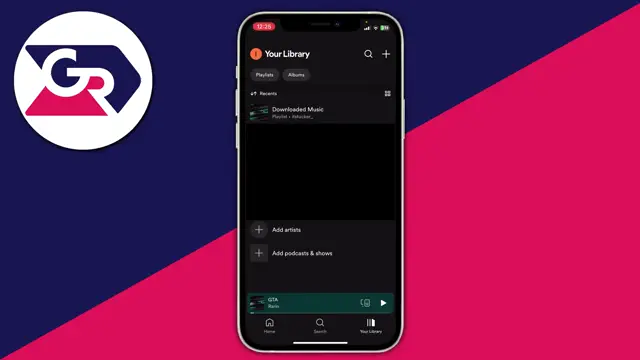
To find your new playlist, tap on ‘Your Library’ located at the bottom right corner of the screen. This will display your playlists including the one you just created.
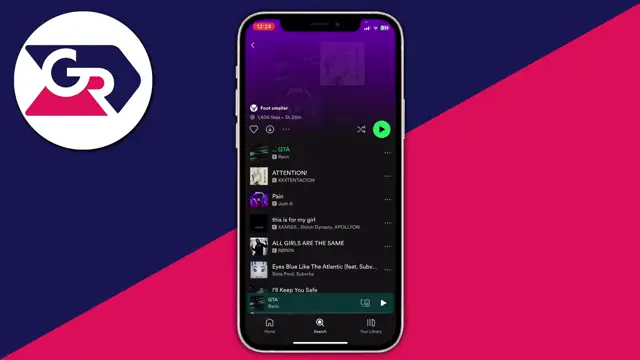
Step 5: Select Your Playlist
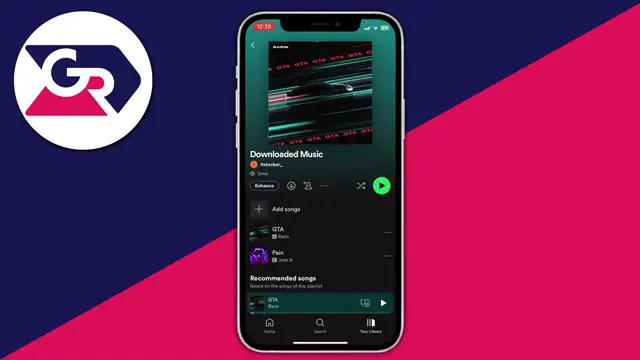
Once in your library, tap on the newly created playlist named ‘Downloaded Music’ to access the songs you’ve added to it.
Step 6: Ensure You Have Spotify Premium
Remember, downloading songs and playlists requires a Spotify Premium subscription. If you don’t have it yet, consider signing up to access offline downloads.
Step 7: Download Your Playlist
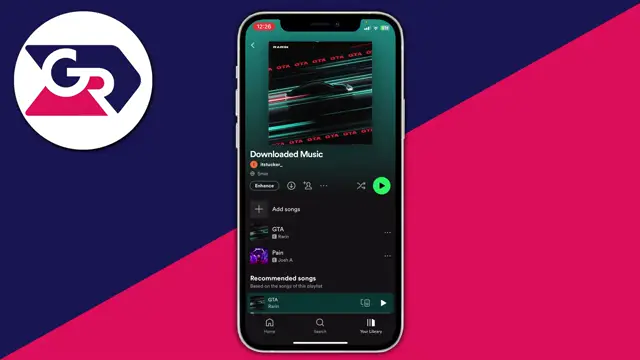
With the playlist open, tap on the three dots and select ‘Download’ or press the download icon. The icon will turn green once the songs have finished downloading.
Step 8: Confirm Download Status
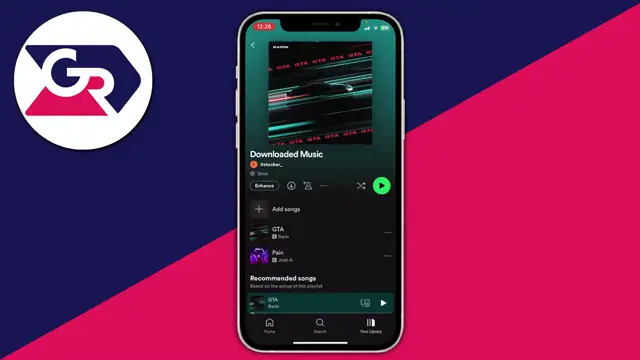
Check the download status on the playlist page. You will see a green icon indicating that the songs are successfully downloaded and ready for offline listening.
Frequently Asked Questions
Do I need a Spotify Premium account to download songs?
Yes, a Spotify Premium subscription is required to download songs for offline listening.
How do I create a playlist in Spotify?
To create a playlist, search for a song, tap the three dots, and select ‘Add to Playlist’ to start a new playlist.
Can I download individual songs or just playlists?
You can download both individual songs and entire playlists on Spotify.
What happens when my Spotify Premium subscription ends?
If your Premium subscription expires, all downloaded music will no longer be accessible offline.
Watch the Video Tutorial
Conclusion
Now that you know how to download songs from Spotify, you can enjoy your favorite music even when you’re offline. Remember to keep your Spotify Premium subscription active for uninterrupted access to downloading features.



Leave a comment