
Key Takeaways:
- Understand how Facebook story viewers are displayed.
- Learn how to change privacy settings for your stories.
- Know limitations in seeing who views your public stories.
If you’ve ever wondered how to see one or more viewers on your Facebook story, you’ve come to the right place. Facebook stories can be set to public, making them visible to others who aren’t your friends. However, if you notice a message saying ‘others’ when checking who viewed your story, it means that those viewers are not your friends. This guide will provide step-by-step instructions on how to manage your Facebook story settings.
Step 1: Check Your Facebook Story Viewers
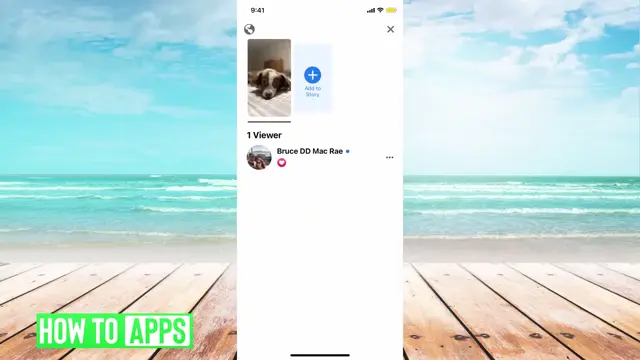
Begin by posting a story on Facebook. When you view it afterward, you might spot a message stating how many viewers have seen your story. Note this count as it includes everyone viewing your post, but only your friends will be listed.
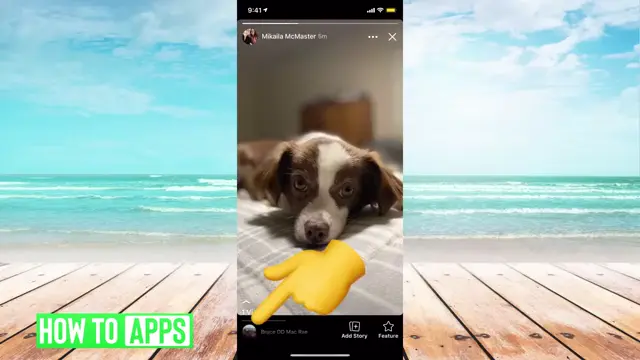
Step 2: Understand Public Story Settings
Make sure you know that when your Facebook story is set to public, people who aren’t on your friends list can view it. This is why you may see ‘others’ instead of specific names. Being aware of your audience helps manage what you share.
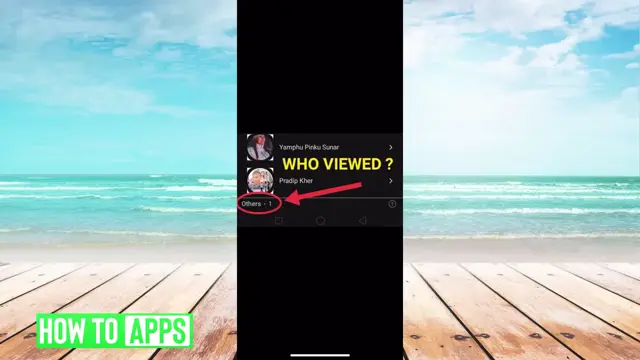
Step 3: View the Number of Story Viewers
After posting your story, check the bottom of the screen where it displays the number of viewers. Click up to see the viewer details. If it indicates ‘others’, it means there are non-friends who viewed your story, and their names remain hidden.
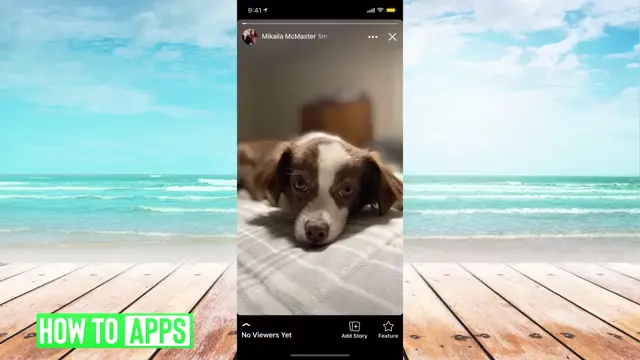
Step 4: Change Facebook Story Privacy Settings
To limit viewers, navigate back to your Facebook profile and select the story in question. Tap on the three dots in the top right corner, choose ‘Edit Story Privacy’, and then adjust the settings to either ‘Friends’, ‘Custom’, or ‘Hide Story’. Save changes to update who can see your post.
Frequently Asked Questions
Can I see who viewed my Facebook story if it’s public?
No, if your Facebook story is public, you cannot see the names of viewers who are not your friends.
How do I make my Facebook story private?
To make your Facebook story private, go to the story settings and change the privacy to ‘Friends’ or ‘Custom’.
What does ‘others’ mean in Facebook story views?
‘Others’ indicates that non-friends have viewed your story, but their names won’t be displayed.
Is there any way to find out who viewed my public Facebook story?
Unfortunately, there is no way to identify viewers of your public Facebook story unless they are on your friends list.
Watch the Video Tutorial
Conclusion
Managing your Facebook story visibility is crucial for privacy. By adjusting your story settings, you can control who sees your content. If you have any questions, feel free to ask in the comments!





Leave a comment