
Key Takeaways:
- Locate your Instagram username easily.
- Manage saved login info to avoid password issues.
- Change your password securely on Instagram.
Finding your Instagram password and username can be essential, especially if you’ve forgotten them. In this guide, we’ll walk you through the process step by step, ensuring you can access your account without any hassle. With just a few clicks, you can find your username and manage your login information effectively.
Step 1: Locate Your Username
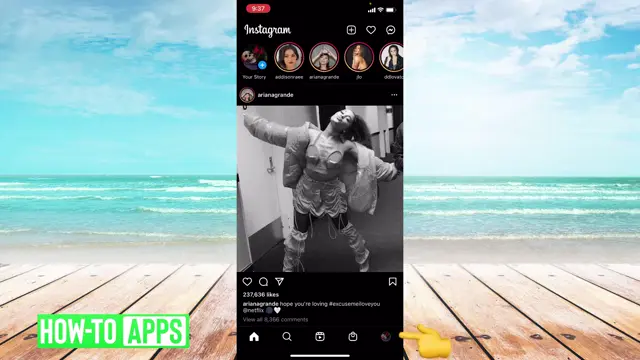
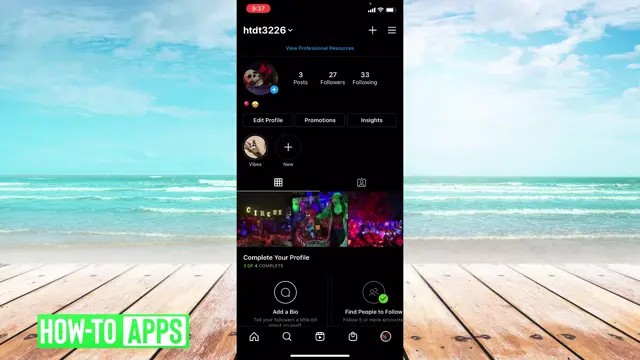
To find your Instagram username, simply open the app and go to the bottom right hand corner. Tap on your profile photo to view your account details. Your username will be displayed at the top of your profile.
Step 2: Accessing Password Options
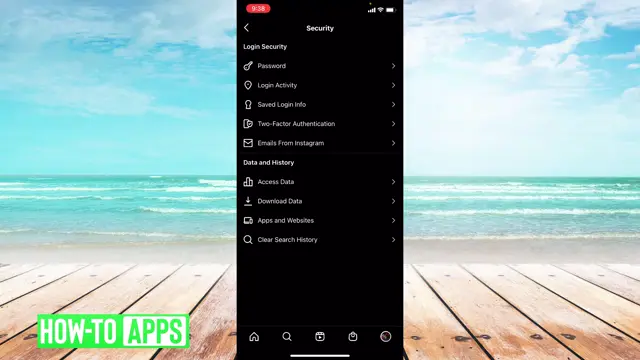
If you can’t remember your password, go to the three lines in the upper right hand corner. From there, select ‘Settings,’ then ‘Security.’ This is where you can manage your saved login info.
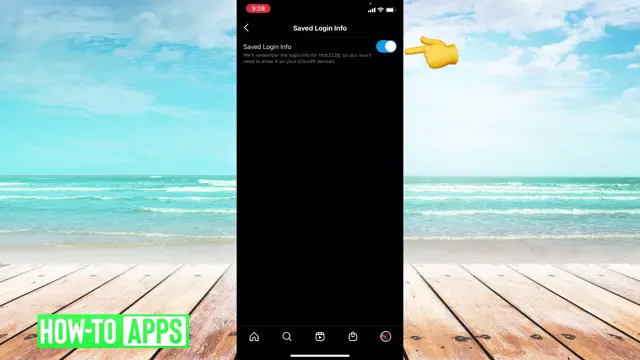
Step 3: Toggle Saved Login Info
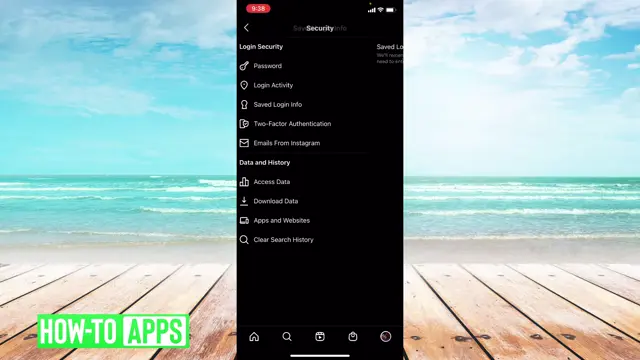
Under ‘Security,’ find ‘Saved Login Info.’ Ensure this feature is toggled on. This way, you won’t need to remember your password every time you log in. Consider using the 1Password Extension to Save and Fill Passwords on Your Mac to manage more passwords securely.
Step 4: Change Your Instagram Password
To change your password, go back to the ‘Security’ section and find ‘Password.’ You must know your current password to reset it. Once confirmed, enter your new password to update your account security.
Step 5: Log Back In Using Saved Info
Once you’ve logged out, you can easily log back in by clicking on your username. This will utilize the saved login information and allow you access without needing to enter your password.
Frequently Asked Questions
How can I recover my Instagram password?
To recover your Instagram password, use the ‘Forgot password?’ option on the login screen to reset it via your email or phone.
What if I can’t remember my Instagram username?
You can find your username by tapping on your profile picture in the app, where it displays at the top of your profile.
Is it safe to save my password in Instagram?
Yes, using the ‘Saved Login Info’ feature is secure, as it allows you to log in without typing your password each time.
Can I change my Instagram password without knowing the current one?
No, you must know your current password to change it. If forgotten, you’ll need to reset your password.
Watch the Video Tutorial
Conclusion
In conclusion, efficiently managing your Instagram username and password is crucial for security and accessibility. Follow these steps to ensure you’re always logged in and can update your credentials when necessary.




Leave a comment