
Are you wondering if someone has blocked you on iMessage? In this tutorial, we’ll walk you through a few visual indicators and steps you can take to find out for sure.
Step 1: Understand Blue and Green Bubbles
When sending messages in iMessage, blue bubbles indicate you’re messaging someone with an Apple device like an iPhone or iPad. Green bubbles mean the recipient is using a non-Apple device, such as an Android. Recognizing these bubbles is the first step in understanding the messaging status.
Step 2: Check for Delivery Status
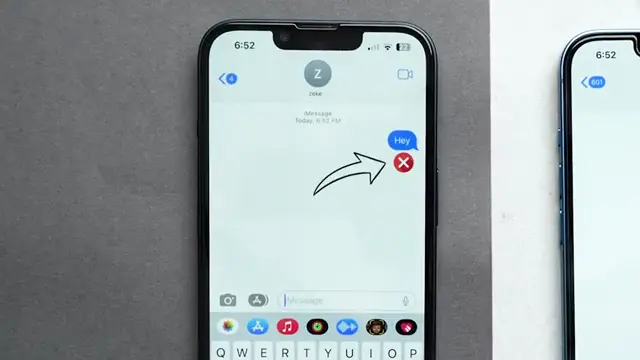
After sending a message, look for the ‘Delivered’ status underneath the message. If you see this, it confirms that you have not been blocked. If there is no delivery status, consider this a potential sign that you might have been blocked.
Step 3: Enable Read Receipts
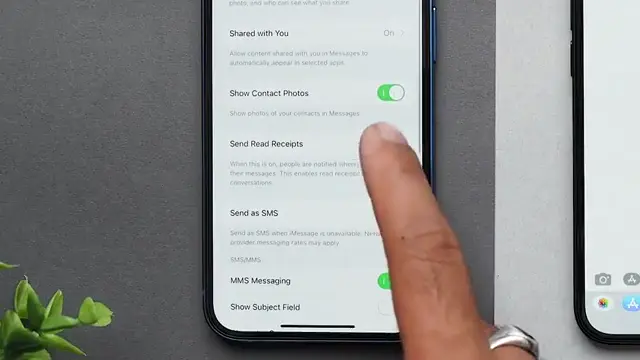
If you have Read Receipts enabled on your iMessage, the other person can see when you’ve received and read their messages. If they have this feature enabled too, it can also provide insights into whether your messages are getting through or if there is an issue.
Step 4: Make a Call to the Contact
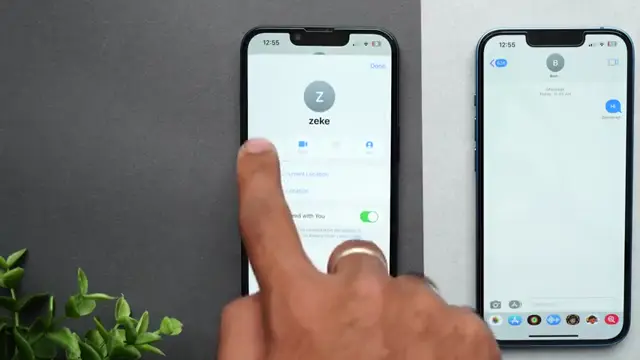
If you still can’t determine if you’ve been blocked, try calling the person directly. If your call goes straight to voicemail without ringing or if it rings once and you hear a busy signal, this could confirm that you have been blocked.
Conclusion
By following these steps, you can effectively determine whether you have been blocked on iMessage. If all indicators suggest a block, it may be time to respect the other person’s space.




Leave a comment